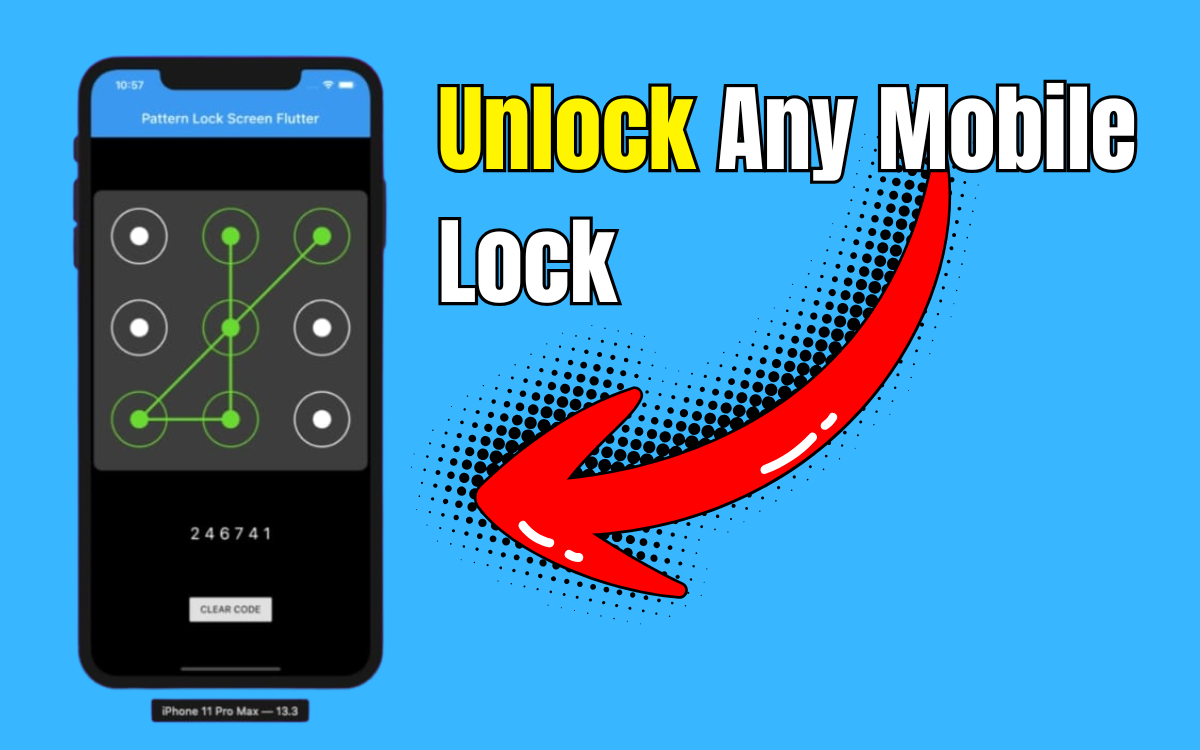
Lock Screen – Time Password introduces an innovative approach to Android security by creating a dynamic password system that updates automatically every minute based on your device’s current time.
Rather than relying on static PINs that can be easily observed or guessed, this clever app transforms your current time into your access code. For instance, if the time displays 09:45, your unlock password becomes 0945. This constant rotation makes unauthorized access significantly more challenging.
The application extends beyond basic screen locking, offering comprehensive privacy features including a secure vault for sensitive media files, a private browsing mode, and extensive customization options for a personalized lock screen experience.
Understanding the Time Password System
This security application revolutionizes device protection through its dynamic locking mechanism. By converting your phone’s real-time clock into authentication credentials, it creates an ever-changing security barrier that updates every sixty seconds.
The app provides several valuable tools including a private media vault, secure browsing capabilities, and an aesthetically pleasing iPhone-inspired interface design.
Practical Benefits and Use Cases
The time-based password system offers superior protection compared to traditional static PINs. Fixed passwords are vulnerable to observation and unauthorized memorization, while dynamic codes that continuously change eliminate these security risks.
The integrated vault feature safeguards confidential photos and videos, while the private browser ensures browsing activities remain untraceable by avoiding saved history and cookies.
This solution proves particularly valuable for users who frequently use their devices in public spaces, worry about password observation, or desire comprehensive privacy protection in a single application.
Setup and Configuration Process
Getting started requires downloading the app from Google Play Store, granting necessary permissions, selecting your preferred lock type from options like Current Time or PIN combinations, customizing visual elements including wallpapers and sounds, activating the vault for private content storage, utilizing the private browser for secure web access, and enabling Auto Start on Xiaomi devices for optimal performance.
Users can personalize their lock screen with custom names or messages for enhanced visual appeal.
Core Features and Functionality
The dynamic time password system refreshes authentication codes every minute for continuous security. Multiple lock options include Current Time, PIN + Minute, PIN + Current Time, PIN + Day, and PIN + Hour combinations.
The secure vault provides protected storage for personal media files, while the private browser enables traceless web browsing without storing history or cookies. The stylish interface features modern design elements with iPhone-inspired visual effects.
Customization options encompass HD wallpapers or personal images, unlock sound and vibration controls, 12-hour or 24-hour format selections, and custom lock screen text displays. The lightweight design ensures minimal battery and memory consumption while maintaining strong privacy focus.
Required Permissions and Settings
For proper functionality, the application may request Internet and Network Access for advertisements, Phone State access for ad performance optimization, System Alert Window permissions to display lock screens, Camera access for wallpaper or capture features, Storage Access for custom image integration, and Outgoing Calls Access to trigger lock screens after phone calls.
These permissions primarily support smooth operation, and the developer states that personal user data collection is not performed.
Xiaomi Device Configuration
Xiaomi and MI device users should access the Security App, navigate to Permissions, locate Screen Lock – Time Password, allow all requested permissions, and enable Auto Start functionality to ensure consistent performance after device restarts.
Advantages and Limitations
The application offers unique time-based security innovation, built-in vault functionality for private content, private browsing capabilities, highly customizable lock screen options, and lightweight, user-friendly operation.
However, users should note that the free version contains advertisements, multiple permissions are required for full functionality, and initial setup may require additional configuration on certain MI devices.
Troubleshooting and Support
To access hidden app settings, navigate to Settings > Applications > Screen Lock > Storage > Manage Space or Clear Storage. If you forget lock type or settings, reset the app by clearing storage through Settings > Applications > Screen Lock – Time Password > Storage > Clear Storage, which restores default configurations.
Custom photos can be set as lock screen wallpapers by accessing app settings, tapping Change Wallpaper, and selecting desired images from your device gallery.
Important Security Note
Users must not uninstall the application before recovering hidden files from the vault. Removing the app may result in permanent loss of stored vault content.
Final Assessment
Lock Screen – Time Password represents an excellent choice for privacy-conscious users seeking enhanced security through dynamic protection methods. The time-based PIN system creates unpredictable access codes, while the vault and private browser provide comprehensive privacy protection.
With proper configuration, particularly on MI devices, this application delivers an effective combination of security, privacy, and style within a single, efficient package that outperforms traditional static password systems.